Product information:
Color: G100 (2.4G) | G100 (5G) | G100 (RK5G4K)
Processing Method: OEM/ODM
Interface: HDMI
Features: Wireless, Wi-Fi, HD Display, Screen Mirroring
Packing list:
Hdmi Same Screen Device* 1
Product Image:

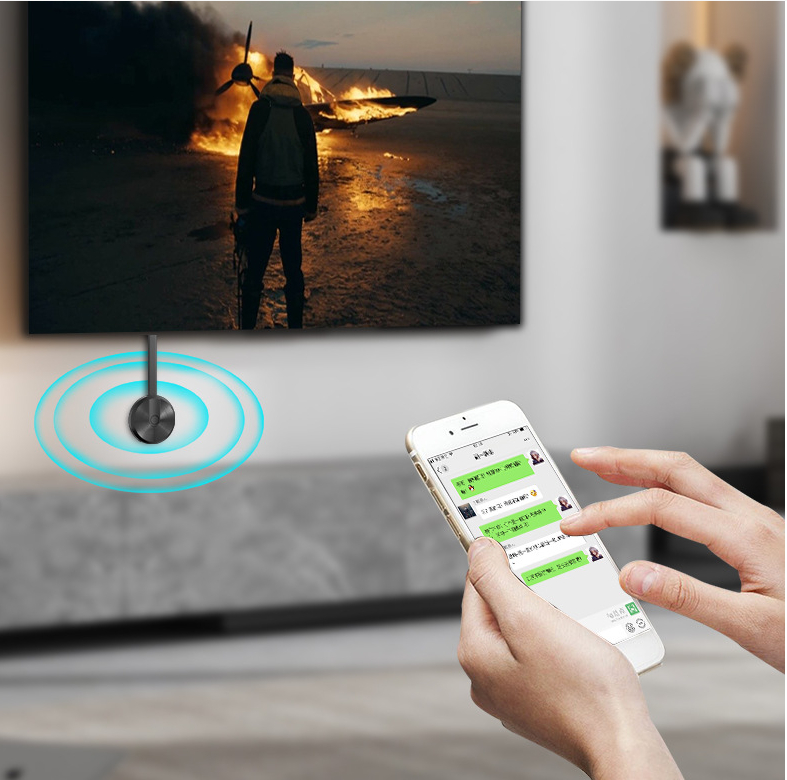

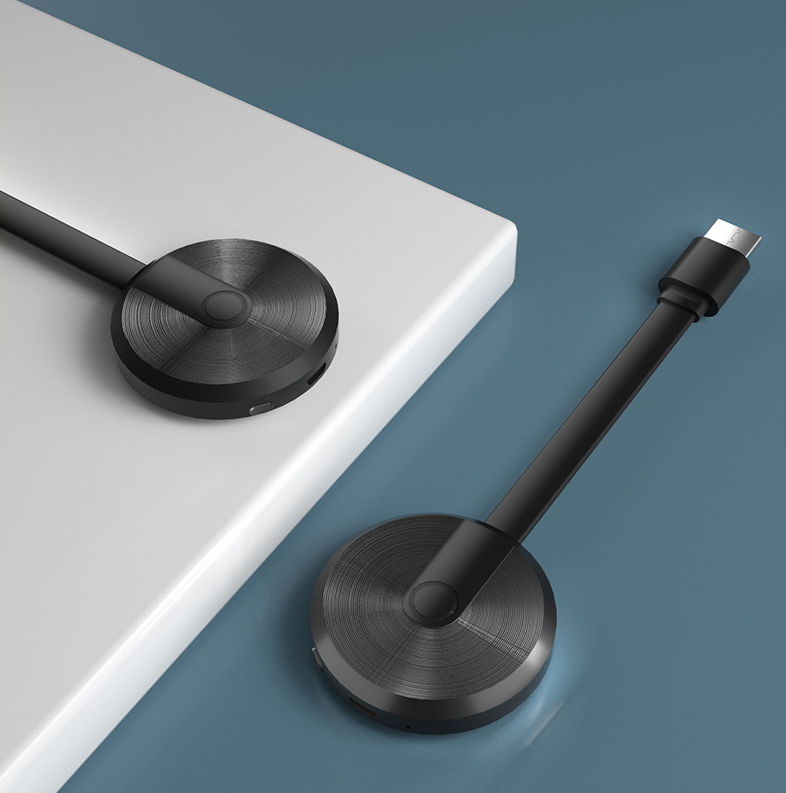
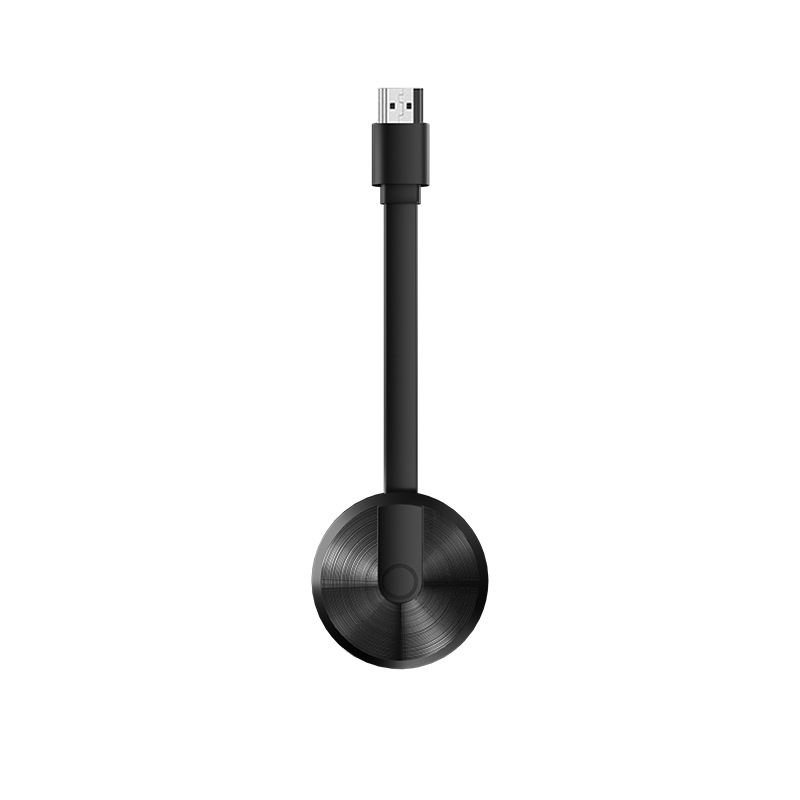
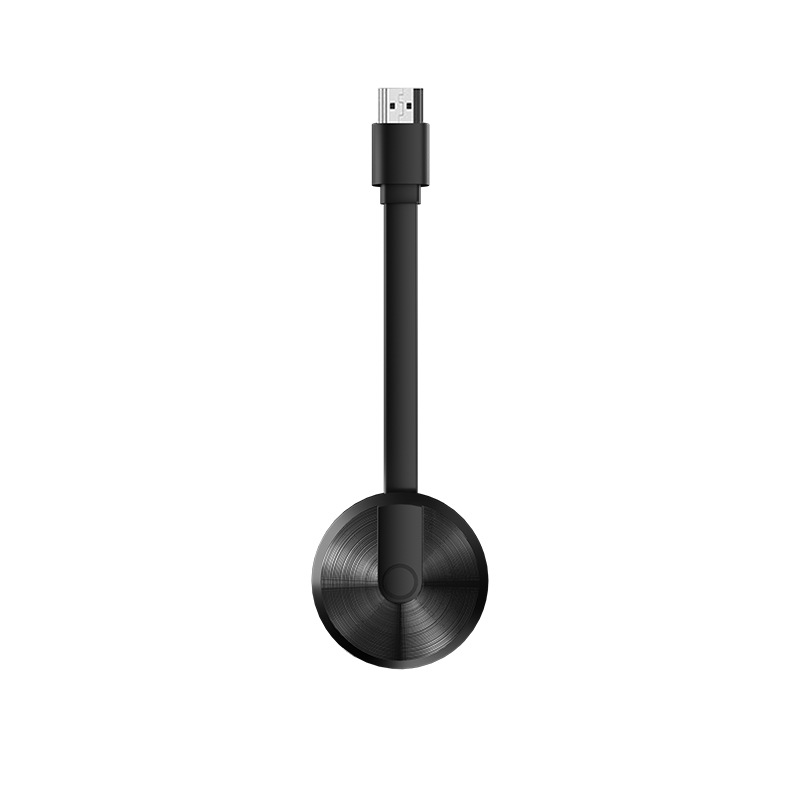
What is Wireless Screen Mirroring?
Wireless screen mirroring is a technology that allows users to project their device's screen onto a larger display without any cables. The G100 device supports this technology, making it easy for iOS users to share photos, videos, or presentations on a big screen. This means you can have important meetings, movie nights, or educational sessions without the hassle of annoying wires, and it enhances the collaboration experience because everyone can see the same display simultaneously.
How to Connect the G100 to Your iOS Device
Connecting your iOS device to a display using the G100 is straightforward and user-friendly. Simply plug the G100 device into the HDMI port of your TV or projector, and then connect to the same Wi-Fi network. After that, access the screen mirroring option on your iPhone or iPad, select the G100 device, and you are good to go! This ease of connection is beneficial when you need to quickly share information, so you can focus on what matters most – your content.
Benefits of Using G100 for Screen Mirroring
The G100 wireless screen mirroring device shines in various ways. First, its high-definition output ensures that whatever you project is crystal clear. Second, because it supports multiple formats, you can stream videos, play games, or present slides with ease. Also, the compact design makes it portable, so you can take it anywhere. Therefore, it is ideal for both personal and professional use, allowing for flexibility in your presentations or entertainment sessions.